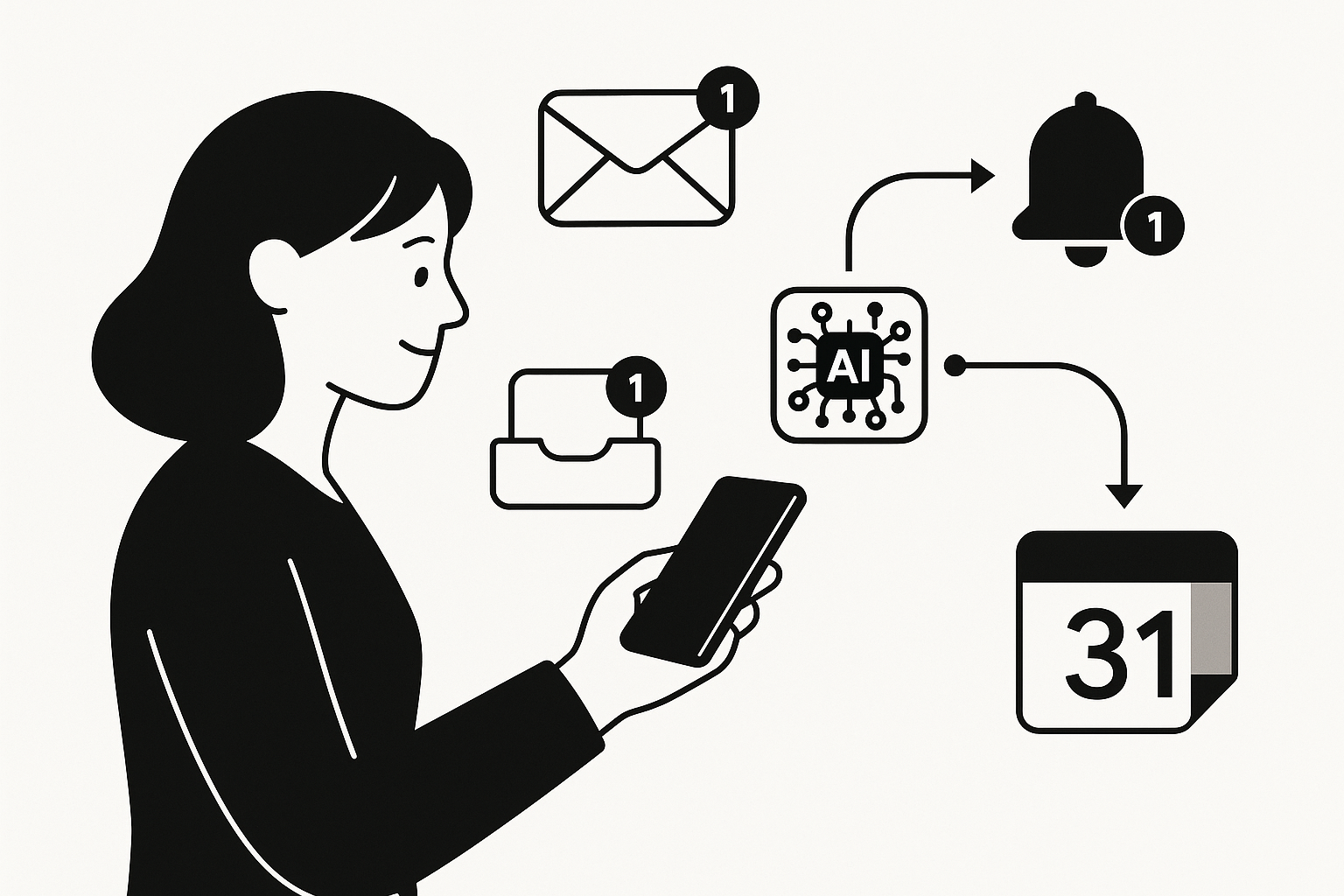
A missed appointment can lead to a cascade of complications, from rescheduling difficulties to strained relationships. If you’ve ever found yourself scrambling to remember a crucial meeting or forgetting to pick up the dry cleaning, you know how frustrating it can be. The good news is that automating your phone notifications and personal alerts can significantly reduce these slip-ups, allowing you to manage your time more effectively and keep your life organised.
Google Calendar is a powerful tool that not only helps you keep track of your appointments but also allows you to set up automated reminders and notifications. This functionality is especially useful for busy individuals who juggle multiple tasks throughout the day. If you’re self-employed and booking client calls, the last thing you want is to miss an important meeting or forget to follow up on a project. By leveraging the automation features in Google Calendar, you can ensure that you stay on top of your commitments without the constant worry of forgetting something crucial.
Setting Up Automated Notifications
To start streamlining your life with phone notifications, the first step is to create events in Google Calendar. When you set an event, you have the option to add notifications that will alert you ahead of time. This is particularly useful for appointments, deadlines, and reminders. For instance, if you have a client meeting scheduled for 2 PM, you can set a notification for one hour prior, ensuring that you have ample time to prepare.
When creating an event, simply click on the time and date, fill in the details, and look for the option to add a notification. You can choose to receive notifications via email or as a pop-up on your phone. This flexibility allows you to tailor your alerts to suit your preferences, whether you prefer a gentle nudge or a more assertive reminder. For more practical automation ideas, check out our other guides.
Customising Personal Alerts
Beyond standard notifications, Google Calendar allows you to set personal alerts for various tasks and events. This feature is particularly beneficial for managing your daily routine. For example, if you need to remember to take medication, pick up groceries, or even just take a break during your workday, you can create recurring events with reminders. Setting these alerts ensures that you don’t overlook essential tasks, helping you maintain a balanced lifestyle.
To create a personal alert, you can follow a similar process as setting up an event. After filling in the event details, look for the option to make it recurring. You can choose the frequency, whether daily, weekly, or monthly, depending on your needs. By doing this, you can automate reminders for tasks that might otherwise slip your mind, such as preparing for the school run or attending a weekly meeting.
Integrating Task Reminders
In addition to events and personal alerts, Google Calendar can also integrate with task reminders. This integration allows you to keep track of your to-do list alongside your schedule. For example, if you have a report due next week, you can create a task within Google Calendar that reminds you to start working on it a few days in advance. This way, you avoid the last-minute rush and can manage your workload more effectively.
To add a task, navigate to the calendar view and select the option to create a new task. You can assign a due date and even set reminders for it, ensuring that it appears alongside your calendar events. This integration helps you maintain a clear overview of your responsibilities, making it easier to prioritise your time.
Using Calendar Automation to Stay on Track
Automating your phone notifications and personal alerts is not just about setting reminders; it’s also about creating a system that works for you. Google Calendar offers various features that can help you stay organised without overwhelming you with notifications. For instance, you can adjust the notification settings for each event or task, allowing you to choose how and when you want to be alerted.
If you find that you’re receiving too many notifications, it’s essential to customise your settings. You can choose to receive notifications only for critical appointments or tasks, reducing the noise and allowing you to focus on what truly matters. This level of customisation ensures that you remain informed without feeling bombarded by alerts.
Syncing Across Devices
One of the significant advantages of using Google Calendar is its ability to sync across multiple devices. Whether you’re using a smartphone, tablet, or computer, your calendar updates in real-time, ensuring that you always have access to your schedule. This is particularly useful for those who are constantly on the move or who work from different locations.
If you set a reminder on your phone, it will also appear on your computer and vice versa. This seamless integration means you can manage your phone notifications and personal alerts from anywhere, making it easier to stay organised. If you’re juggling school runs and client meetings, this feature can be invaluable, allowing you to adjust your schedule on the fly without missing a beat.
Avoiding Overwhelm with Smart Scheduling
While automating notifications is beneficial, it’s crucial to strike a balance to avoid overwhelm. Too many alerts can lead to notification fatigue, making it easy to overlook important reminders. To prevent this, consider the significance of each event or task before adding it to your calendar. Focus on what truly needs your attention and set alerts accordingly.
Additionally, take advantage of Google Calendar’s colour-coding feature. By assigning different colours to various categories, such as work, personal, and family commitments, you can quickly identify what’s on your plate at a glance. This visual organisation helps you prioritise tasks and manage your time more effectively, ensuring that you don’t feel overwhelmed by your schedule.
The Importance of Regular Review
To maximise the benefits of your automated phone notifications and personal alerts, it’s essential to conduct regular reviews of your calendar. Set aside time each week to assess your upcoming events and tasks, adjusting notifications as necessary. This practice not only helps you stay organised but also allows you to reflect on your priorities and make any necessary changes.
During your review, consider whether your current alerts are serving you well. Are there tasks that require more attention? Are there events that no longer need to be on your calendar? By regularly evaluating your schedule, you can ensure that your automated notifications are aligned with your goals and commitments.
Exploring Alternatives
While Google Calendar offers robust features for automating phone notifications and personal alerts, other tools may also provide similar functionalities. If you don’t use Google Calendar, the same idea works with tools like Microsoft Outlook or Apple Calendar. These alternatives can help you set reminders and manage your schedule effectively, ensuring that you find a solution that suits your preferences.
Conclusion
Automating phone notifications and personal alerts with Google Calendar can significantly enhance your daily routine, helping you manage your time more effectively and avoid the chaos of missed appointments and forgotten tasks. By setting up automated reminders, customising alerts, and integrating task reminders, you can create a streamlined system that works for you. Regularly reviewing your calendar and adjusting notifications will ensure that you stay on top of your commitments without feeling overwhelmed. Embrace the power of automation and take control of your schedule today, making your life a little easier and more organised.
For those looking to further optimise their digital organisation, consider exploring how to enhance your note management processes. You can find valuable insights in our article on check out our other guides.