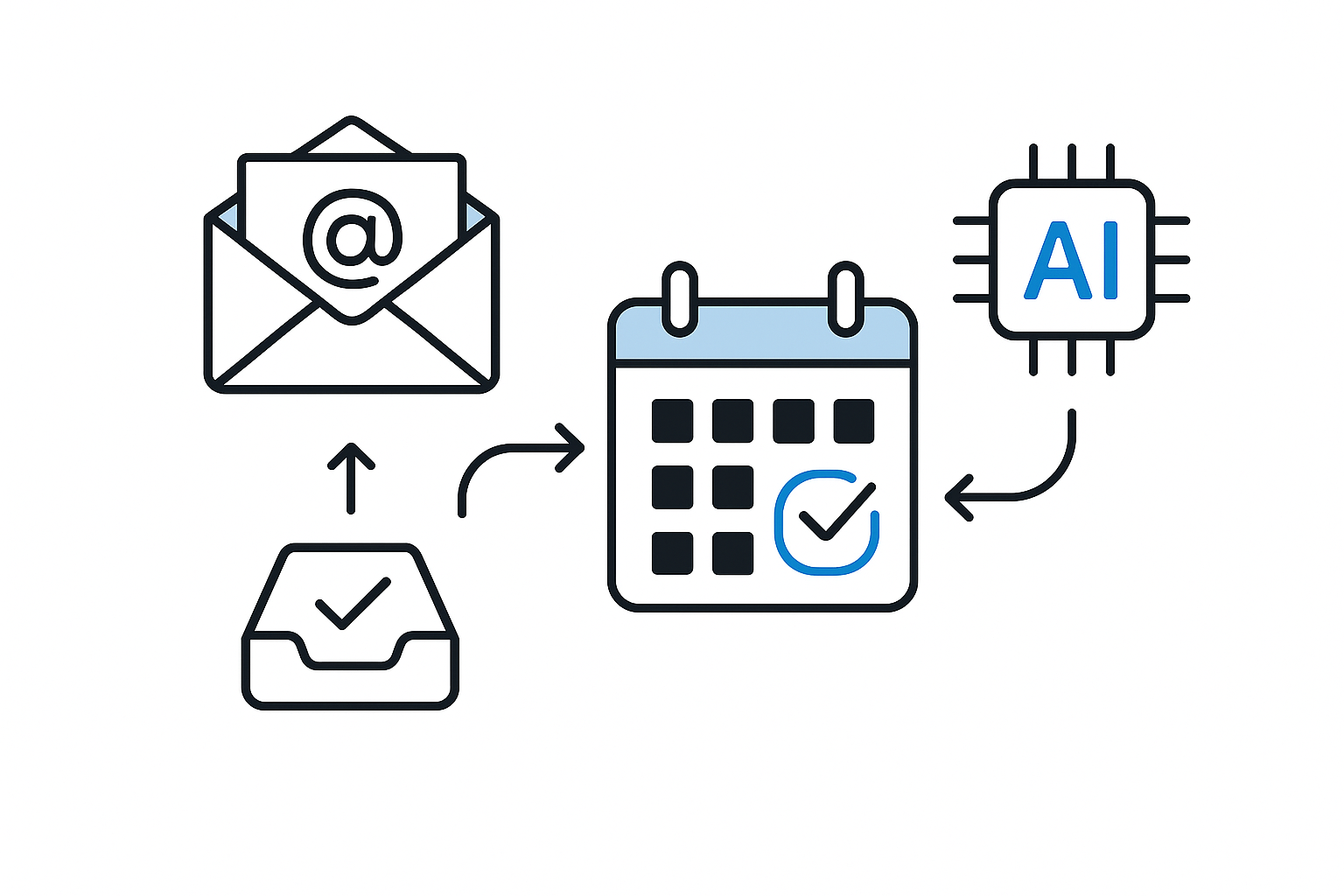
When an important client call slips your mind because you forgot to schedule it properly, the consequences can be frustrating. You might find yourself scrambling to fit them into your day or, worse, losing their business altogether. Appointment management is essential for maintaining professional relationships and ensuring that your day runs smoothly. With the right tools, you can automate scheduling and avoid these pitfalls, allowing you to focus on what truly matters.
Microsoft 365 offers a robust suite of tools that can simplify your appointment management, making it easier to coordinate meetings without the back-and-forth emails that often plague our calendars. By leveraging its features effectively, you can streamline your scheduling automation and enhance your productivity. If you’re self-employed and booking client calls, this approach can significantly reduce your administrative burden. If you’d like more practical workflows, check out our other guides.
Understanding Appointment Management
Effective appointment management involves more than just keeping a calendar. It requires the ability to coordinate schedules, send reminders, and ensure that all parties are aware of the meeting details. This can be particularly challenging when juggling multiple clients or commitments. Many people still rely on manual methods, which can lead to double bookings, missed appointments, and unnecessary stress. Automating this process not only helps prevent these issues but also frees up valuable time that can be better spent on your core work.
Microsoft 365 provides tools that integrate seamlessly with your existing workflows. By automating your scheduling, you can ensure that appointments are booked correctly, reminders are sent out, and everyone involved is kept in the loop. This not only improves your efficiency but also enhances your professional image, as clients appreciate timely communication and well-organised meetings.
Setting Up Your Scheduling Automation
To get started with automating your appointment management using Microsoft 365, you will first need to set up your calendar. This involves ensuring that your availability is accurately reflected in your calendar settings. You can do this by marking your working hours and any other commitments that might affect your availability. Once your calendar is set up, you can begin to automate the scheduling process.
One effective way to automate scheduling is by using Microsoft Bookings, a tool included in some Microsoft 365 subscriptions. This platform allows clients to book appointments directly based on your availability, eliminating the need for back-and-forth communication. You simply set your availability preferences, and the system takes care of the rest. Clients can choose a time that works for them, and you receive a notification of the booking, along with any details they provide.
If you don’t use Microsoft Bookings, the same idea works with other scheduling tools like Calendly or Google Calendar appointment schedules. Regardless of the tool, the key is to ensure that your availability is clearly communicated to clients, so they can book appointments without confusion.
Sending Reminders and Follow-ups
Once your appointments are scheduled, the next step in your appointment management process is to ensure that all parties are reminded of the upcoming meetings. Microsoft 365 allows you to set automated reminders that can be sent out via email or through calendar notifications. This feature is particularly useful for reducing no-shows and ensuring that everyone is prepared for the meeting.
You can customise the reminders based on your preferences. For example, you might want to send a reminder one day before the appointment and another one hour prior. This way, you can keep the meeting fresh in everyone’s mind without overwhelming them with too many notifications. Automated follow-ups can also be set up to thank clients for their time and to provide any additional information discussed during the meeting. This not only reinforces your professionalism but also encourages ongoing communication.
Integrating with Other Tools
Another advantage of using Microsoft 365 for appointment management is its ability to integrate with other tools you may already be using. For instance, if you manage tasks or projects using Microsoft To Do or Planner, you can link your appointments to specific tasks. This integration allows you to keep track of your commitments and ensures that nothing falls through the cracks.
By connecting your calendar with other productivity tools, you can create a comprehensive overview of your workload. This helps you prioritise tasks and manage your time more effectively. If you find that you’re often overwhelmed with admin tasks, consider how automating your scheduling can free up time for more critical work.
Reviewing and Optimising Your Process
As you begin to use Microsoft 365 for your appointment management, it’s essential to regularly review your process. Take note of how often appointments are booked, how many reminders are sent, and whether clients are attending as expected. This analysis can help you identify any areas that may need adjustment.
For example, if you notice that clients frequently miss appointments, you might consider adjusting your reminder settings or changing the way you communicate the appointment details. Continuous optimisation of your scheduling process can lead to even greater efficiency and a smoother workflow.
In addition, consider gathering feedback from clients regarding their experience with the scheduling process. This information can provide valuable insights into how you can further improve your appointment management and enhance client satisfaction.
Conclusion
Automating your appointment management with Microsoft 365 can significantly improve your productivity and reduce the stress associated with scheduling. By setting up your calendar correctly, using tools like Microsoft Bookings, and integrating with other productivity platforms, you can streamline your scheduling process and focus on what truly matters in your work.
If you’re ready to take your appointment management to the next level, consider exploring additional resources. For instance, you can learn more about automating event scheduling with Google Calendar in our article on Maximising Your Productivity: Automating Event Scheduling with Google Calendar. Embrace these tools, and watch as your administrative tasks become simpler and more efficient.