Missing an important reminder can throw your day off balance, whether it’s forgetting to pick up groceries after work or failing to check in on a project deadline. These small oversights can lead to larger problems, especially when juggling various responsibilities. If you’re self-employed and managing client calls alongside daily tasks, the pressure to stay organised can feel overwhelming. Thankfully, with the right automation tools, you can streamline your personal notifications and ensure that nothing slips through the cracks.
ChatGPT is a versatile tool that can help you enhance your daily alerts, making it easier to manage your tasks and reminders. By automating personal notifications, you can create a system that not only reminds you of important events but also adapts to your specific needs. This approach allows you to focus on what truly matters without the constant worry of forgetting crucial tasks.
Setting Up Your Personal Notification System
To begin automating your personal notifications with ChatGPT, you first need to identify the types of reminders that would be most beneficial for your daily routine. Consider your typical day and pinpoint the tasks or events you often forget. This could include reminders for meetings, deadlines, or even personal appointments like picking up the dry cleaning. Once you have a clear idea of what you need, you can start setting up your notifications.
ChatGPT can assist in creating a structured approach to your reminders. For example, you can programme it to send you messages at specific times of the day, such as a morning prompt to review your schedule or an evening reminder to prepare for the next day. By setting these alerts, you ensure that you are consistently aware of your commitments, which helps to prevent last-minute scrambles.
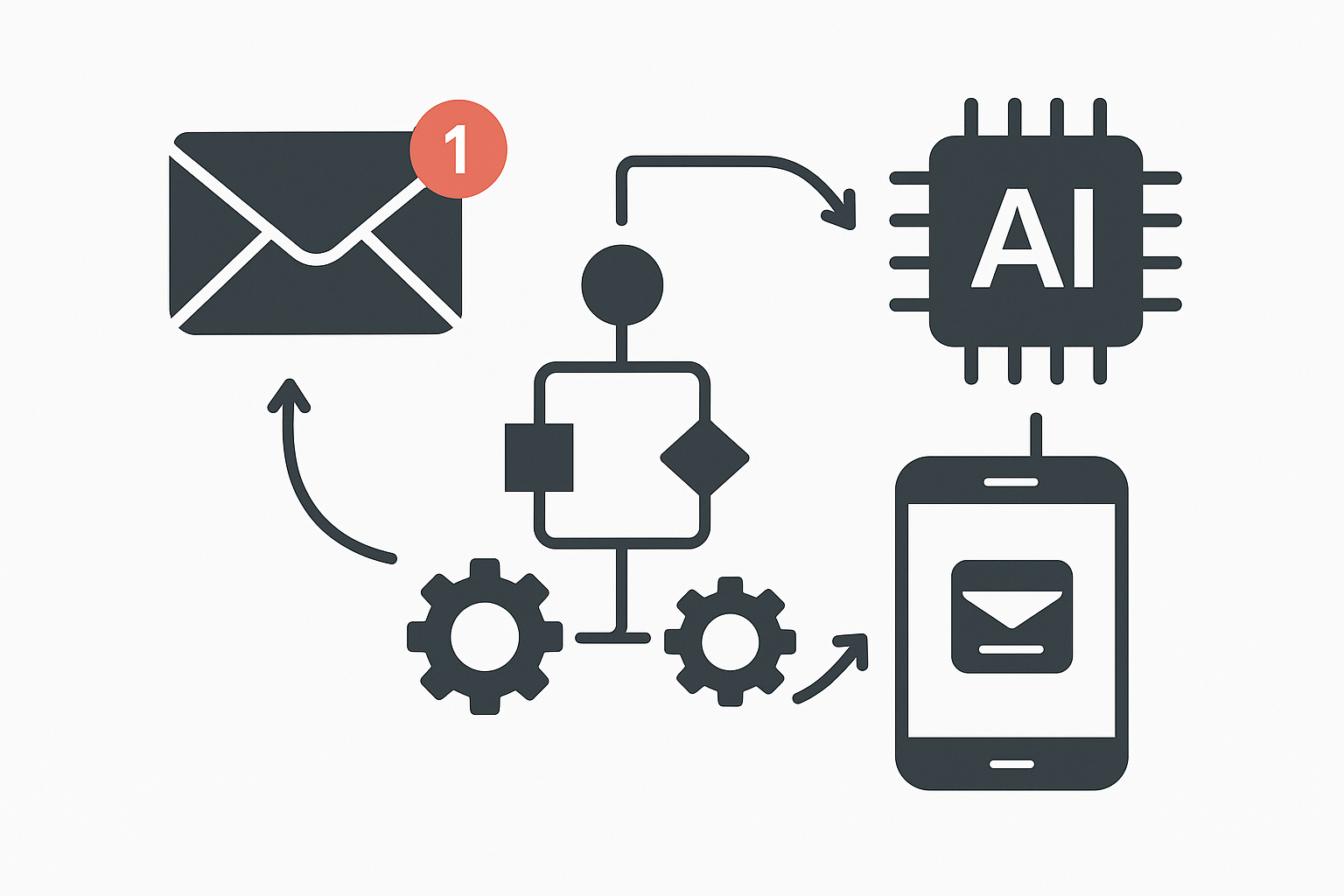
One effective way to implement this is by integrating ChatGPT with your preferred messaging platform. Many people use apps like WhatsApp or Slack for communication, and these platforms can serve as a great medium for receiving your automated notifications. By linking ChatGPT to these messaging services, you can receive timely alerts directly where you spend a lot of your time, making it easier to stay on top of your tasks.
Customising Your Alerts for Maximum Impact
Once you’ve established a basic notification system, the next step is to customise your alerts to fit your lifestyle. ChatGPT allows for a high degree of personalisation, so you can tailor your reminders based on your preferences. For instance, if you prefer to receive alerts in a specific format, such as a checklist or a simple text message, you can programme ChatGPT to accommodate that.
Consider the timing of your notifications as well. Some people find that receiving reminders too early in the day can be counterproductive, while others might need a nudge to get started. By experimenting with different times and formats, you can find what works best for you. This level of customisation ensures that your personal notifications are not just effective but also aligned with your daily rhythm.
If you find that you often forget to follow up on emails or tasks, you can programme ChatGPT to send you reminders at intervals that make sense for your workflow. For example, if you have a project deadline approaching, you could set alerts for a week prior, three days before, and the day of the deadline. This proactive approach helps to keep you accountable and reduces the risk of last-minute panic.
Integrating Daily Alerts with Other Tools
While ChatGPT is a powerful tool for automating personal notifications, it can be even more effective when integrated with other applications. For instance, if you use a calendar app to manage your schedule, you can programme ChatGPT to pull information from your calendar and send reminders based on your events. This integration ensures that your alerts are always relevant and timely, as they are directly linked to your existing commitments.
If you don’t use ChatGPT, the same idea works with other automation tools like Make or Zapier, which can also connect your calendar events to your notification system. This way, you can receive alerts not only for tasks you set manually but also for events that are already on your calendar. By combining these tools, you create a seamless workflow that keeps you informed without requiring constant manual input.
Monitoring and Adjusting Your Notification System
As with any automated system, it’s essential to monitor and adjust your personal notifications to ensure they remain effective. After implementing your alerts, take some time to evaluate their impact on your daily routine. Are you finding the reminders helpful, or are they becoming more of a distraction? If certain alerts are not serving their intended purpose, you can easily modify or remove them.
Regularly reviewing your notification settings allows you to refine your approach and adapt to any changes in your schedule or responsibilities. For example, if you notice that you no longer need a specific reminder because you’ve established a new routine, you can simply adjust your settings accordingly. This flexibility is one of the key advantages of using automation for personal notifications. If you want more guides like this, check out our other guides.
Additionally, consider gathering feedback from yourself or even colleagues if applicable. If you’re part of a team, sharing your notification setup can lead to collaborative improvements. Perhaps your colleagues have insights into how to better structure reminders or integrate them into group tasks. This collaborative approach can enhance the overall effectiveness of your notification system.
The Benefits of Automating Personal Notifications
Automating personal notifications with ChatGPT not only helps you stay organised but also significantly reduces the risk of forgetting important tasks. By having a reliable system in place, you can focus more on executing your responsibilities rather than constantly worrying about what you might miss. This shift in mindset can lead to improved productivity and a greater sense of control over your daily life.
Moreover, the time saved by not having to manually check your calendar or write down reminders can be redirected towards more meaningful activities. Whether it’s spending time with family, pursuing hobbies, or simply enjoying a moment of relaxation, the benefits of automation extend beyond mere task management. You’ll find that your mental load lightens as you establish a reliable routine that keeps you informed and prepared.
If you’re juggling various responsibilities, such as managing client calls while trying to keep up with personal commitments, automating your notifications can be a game changer. It allows you to maintain a clear boundary between work and personal life, ensuring that you’re not constantly checking your phone for reminders or worrying about missed appointments.
Conclusion
Incorporating ChatGPT into your daily routine for personal notifications can transform how you manage your time and responsibilities. By setting up a tailored system that automates your alerts, you can reduce the chances of forgetting important tasks and enhance your overall productivity. The flexibility and customisation options available make it easy to create a notification system that fits seamlessly into your life.
As you explore the possibilities of automation, remember that the goal is to simplify your daily routine and free up mental space for what truly matters. If you’re ready to take your personal alerts to the next level, consider exploring other automation methods as well. For example, you might find value in enhancing your phone notifications through Microsoft 365, which can further streamline your workflow. You can learn more about this in our article on check out our other guides. Embrace the power of automation and enjoy the benefits of a more organised and efficient daily life.