A missed deadline can lead to a cascade of problems, from added stress to lost opportunities. When juggling multiple responsibilities, it’s easy to forget important tasks or lose track of priorities. This is especially true for those managing their own businesses or balancing work with family commitments, where the pressure to stay organised can feel overwhelming. Fortunately, automating task management with tools like Todoist can significantly enhance your productivity and help you regain control over your daily responsibilities.
Todoist is a versatile tool designed to streamline your to-do lists and keep your tasks in order. By automating your task management, you can ensure that nothing slips through the cracks, allowing you to focus on what truly matters. Setting up Todoist to work for you involves a few straightforward steps that will transform how you manage your daily tasks.
Understanding Task Management Automation
Task management automation refers to the use of technology to simplify and manage tasks without the need for constant manual input. This means that instead of spending time creating to-do lists and reminders, you can set up automated workflows that handle these processes for you. With Todoist, you can create tasks, set deadlines, and receive reminders without having to remember every detail yourself. This not only saves time but also reduces the mental burden of keeping track of everything.
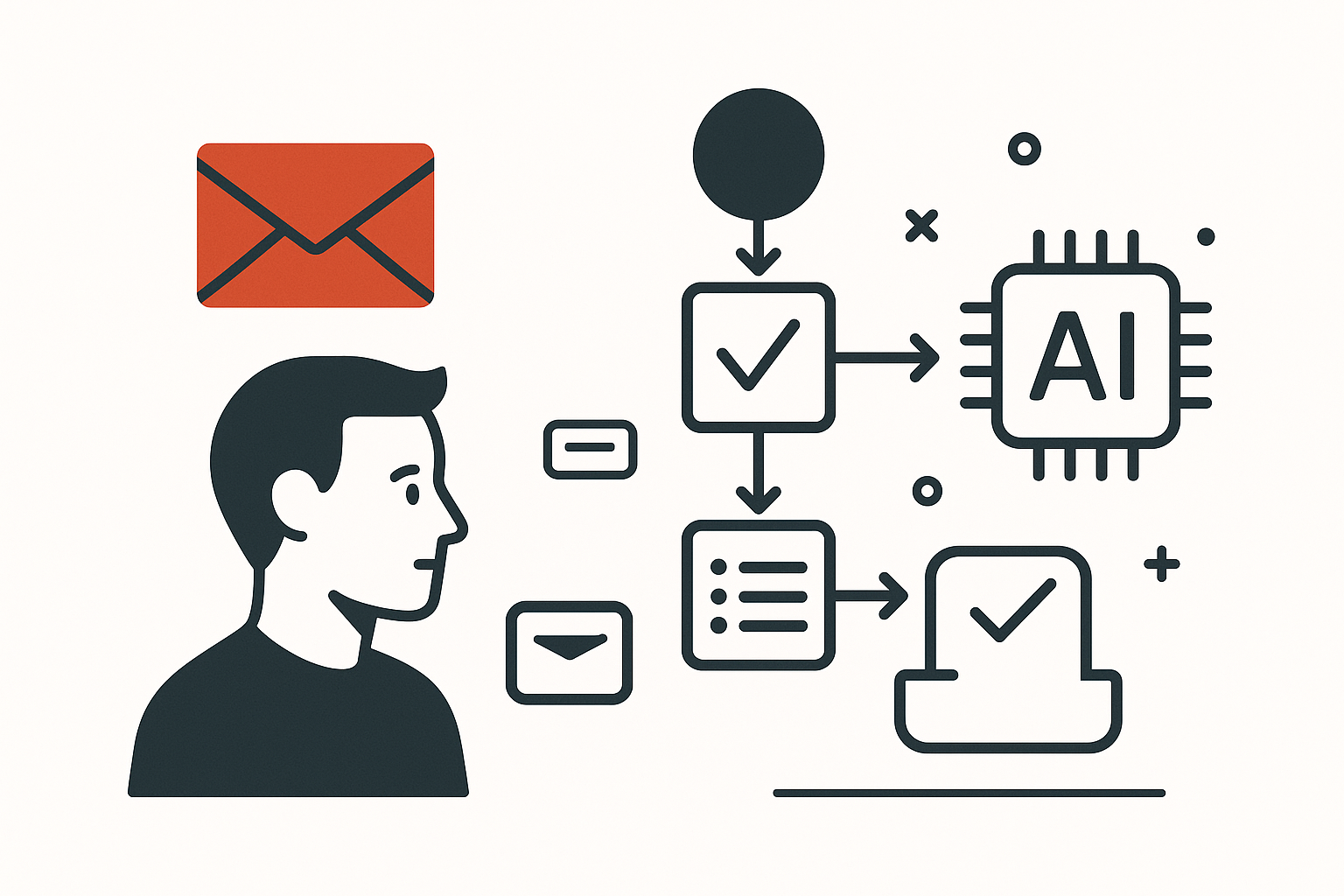
For instance, if you’re a freelancer handling multiple client projects, you can automate the creation of tasks based on project deadlines or client requests. When a client sends an email with a new task, you can set up rules that automatically add it to your Todoist list, ensuring that you never miss an important request. This kind of automation allows you to focus on delivering quality work rather than getting bogged down in administrative details.
Getting Started with Todoist
To begin automating your task management, the first step is to set up your Todoist account. Once you have your account ready, you can start creating projects for different areas of your life or work. For example, you might have separate projects for personal tasks, work-related tasks, and family commitments. This clear division helps you visualise your responsibilities and prioritise tasks effectively.
After establishing your projects, you can start adding tasks. Todoist allows you to create tasks with due dates, priorities, and labels, making it easy to categorise and prioritise your workload. You can also set recurring tasks for regular activities, such as weekly meetings or monthly reports, which means you won’t have to remember to add them each time. This is particularly useful for self-employed individuals who need to keep their schedules organised without constant manual updates.
Automating Task Creation
One of the most powerful features of Todoist is its ability to automate task creation through integrations with other applications. For example, if you use email as your primary communication tool, you can integrate Todoist with your email client. This integration allows you to convert emails into tasks with a simple click, ensuring that important messages are never forgotten. If you receive a client request via email, you can quickly turn it into a task in Todoist without having to switch between applications.
Additionally, Todoist offers integration with various productivity tools like Google Calendar. By syncing your calendar with Todoist, you can automatically create tasks based on your scheduled events. This means that if you have a meeting scheduled, Todoist can generate a task for you to prepare for that meeting, ensuring you’re always ready and never caught off guard. This seamless connection between your calendar and task management system helps maintain a clear overview of your commitments.
Setting Up Reminders and Notifications
Automating reminders is another crucial aspect of effective task management. Todoist allows you to set up reminders for specific tasks, ensuring that you receive notifications when deadlines approach. This feature is particularly beneficial for those who often forget tasks or struggle with time management. By receiving timely reminders, you can stay on track and avoid last-minute scrambles to complete your work.
You can customise your reminders based on your preferences, choosing to receive notifications via email, push notifications on your phone, or even through SMS. For example, if you have a project deadline approaching, you can set a reminder a day in advance to ensure you allocate sufficient time to complete the task. This proactive approach helps prevent the stress of rushing to meet deadlines and allows for a more organised workflow.
Prioritising Tasks Effectively
With Todoist, you can easily prioritise your tasks, which is essential for effective task management. The app allows you to assign priority levels to tasks, helping you focus on what needs immediate attention. For instance, if you have multiple deadlines approaching, you can mark the most urgent tasks with a higher priority, ensuring they are completed first. This method not only enhances your productivity but also reduces the likelihood of overlooking important tasks.
Prioritisation is especially useful when dealing with competing responsibilities, such as managing client work while also handling personal errands. By clearly marking your priorities, you can allocate your time and energy more effectively, ensuring that you address the most pressing tasks without neglecting other responsibilities. This approach fosters a sense of accomplishment as you check off completed tasks, motivating you to stay productive throughout the day.
Reviewing and Reflecting on Your Progress
Regularly reviewing your tasks and progress is an essential part of effective task management. Todoist offers features that allow you to reflect on your completed tasks and assess your productivity levels. By taking the time to analyse what you’ve accomplished, you can identify patterns in your work habits and make adjustments as needed.
For example, if you notice that certain types of tasks consistently take longer than expected, you can adjust your estimates for future projects. This reflection helps you become more aware of your working style and allows you to optimise your task management strategies. Additionally, reviewing your completed tasks can provide a sense of satisfaction and motivation, reinforcing your commitment to staying organised and productive. For more step-by-step automation tips, check out our other guides.
Integrating with Other Tools
If you already use other productivity tools, you’ll be pleased to know that Todoist integrates seamlessly with many of them. Whether you rely on Google Drive for file storage or Slack for team communication, Todoist can connect with these applications to enhance your workflow. For instance, if you use Slack for team collaboration, you can set up notifications in Todoist to alert you to messages or updates related to your tasks. This integration ensures that you stay informed without having to switch between multiple platforms.
Moreover, if you don’t use Todoist, the same idea works with other task management tools like Asana or Trello. These platforms also offer integrations and automation features that can help streamline your task management process, allowing you to find a solution that best fits your needs.
Embracing Automation for Daily Success
Embracing automation in your task management can lead to significant improvements in your productivity and overall efficiency. By setting up Todoist to automate task creation, reminders, and prioritisation, you can focus on what truly matters—completing your tasks and achieving your goals. The mental clarity gained from knowing that your responsibilities are organised frees up cognitive space, allowing you to think more creatively and strategically.
As you integrate automation into your daily routine, you’ll likely find that your stress levels decrease, and your ability to manage multiple responsibilities improves. This is especially important for those balancing work and family commitments, where the demands can often feel overwhelming. By automating your task management, you can create a more harmonious balance between your personal and professional life.
Conclusion
Incorporating automation into your task management with Todoist can transform how you approach your daily responsibilities. By setting up automated workflows, you can ensure that nothing falls through the cracks and that you remain focused on your priorities. The combination of task creation, reminders, and effective prioritisation allows you to manage your time more efficiently, ultimately leading to increased productivity.
If you’re ready to take your task management to the next level, consider exploring how automation can work for you. For further insights on streamlining your daily tasks, check out the article on automating to-do lists with Microsoft 365. Embrace the power of automation and watch your productivity soar.