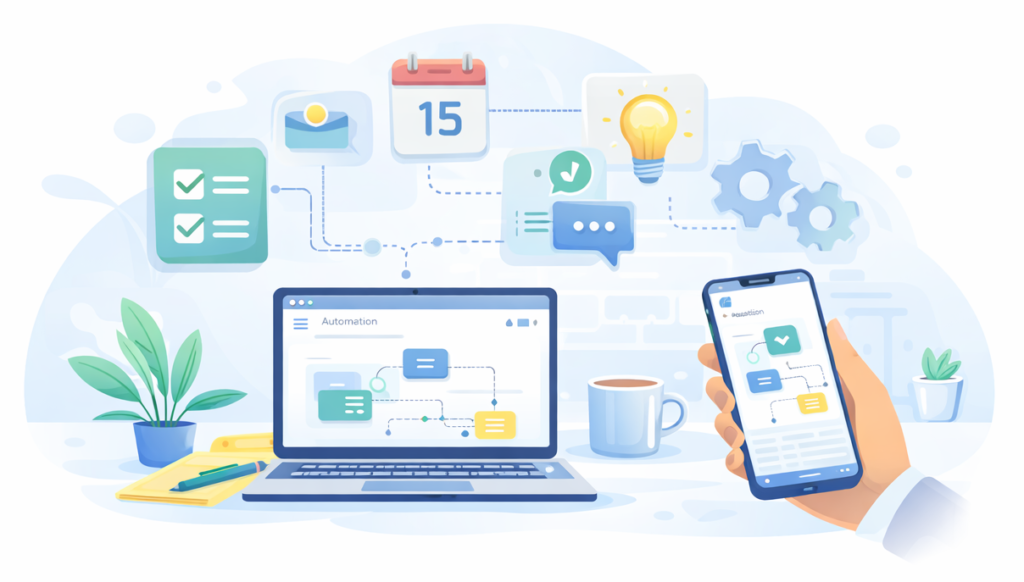
Automation Made Easy exists to help people reduce everyday digital friction — the small, repetitive tasks that quietly waste time and cause avoidable mistakes.
Most automation content assumes technical knowledge, developer tools, or complex setups. This site takes a different approach. Everything here is designed for real people who want their digital life to run more smoothly without learning to code or rebuilding their entire system.
The focus is on practical automation you can apply immediately. That includes managing reminders so deadlines aren’t forgotten, reducing repetitive browser tasks, organising notes so information is easy to find, and handling alerts without constant interruption. These small improvements compound over time and create real mental space.
Rather than chasing trends or advanced workflows, Automation Made Easy prioritises clarity and usefulness. Each guide explains what problem is being solved, why it matters, and how to fix it using simple tools many people already use. When more advanced tools are introduced, they are explained step by step.
Many guides reference tools such as calendars, email systems, and lightweight automation platforms like <a href=”https://n8n.io” target=”_blank” rel=”noopener”>n8n</a>, but the emphasis is always on outcomes rather than software.
If you’re new here, the best place to start is the automation guides, which are organised by topic and written to be followed at your own pace. You don’t need to implement everything at once — even one small change can make a noticeable difference.
Automation Made Easy is intentionally simple. The goal is not to automate everything, but to automate the right things so your time and attention are spent where they matter most.
What You’ll Find Here
You’ll find clear, step-by-step guides that show how to:
- Automate reminders so deadlines aren’t forgotten
- Reduce time spent on repetitive browsing and research
- Organise notes and information so it’s easy to find
- Manage alerts without notification overload
- Simplify small business and personal admin
The goal isn’t to automate everything — it’s to automate the right things.
How the Site Is Structured
Content on Automation Made Easy is organised by real-world use cases, not tools.
You’ll mainly see guides grouped into areas like:
- Personal Automation — reminders, alerts, notes, daily admin
- Work & Productivity — browsing, research, workflows, focus
- Small Business — client follow-ups, admin, repeat tasks
Each guide is written to stand on its own, so you can jump in anywhere and get value immediately.
Start Exploring
If you’re new here, the best place to begin is the main guide library.
New guides are added regularly as tools and workflows evolve.