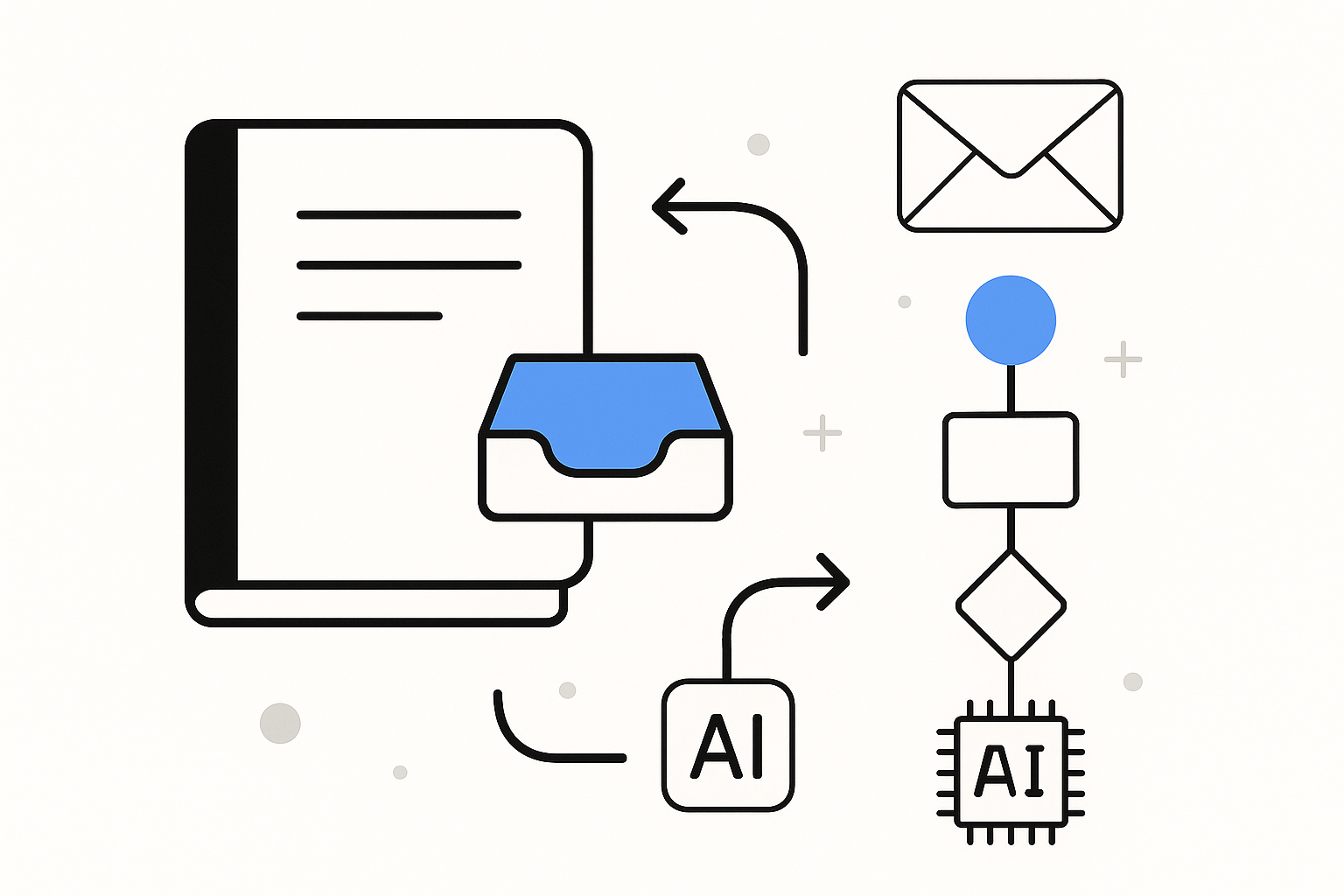
Starting the day with a disorganised collection of digital notes can lead to missed deadlines and forgotten tasks. When you’re trying to locate that crucial piece of information for a project or a client call, the frustration can be overwhelming. If you’ve ever opened Notion only to find a chaotic jumble of notes, you’ll appreciate the need for a more structured approach. Automating your note-taking and organisation can transform this experience, turning a source of stress into a streamlined process that enhances your productivity.
Notion is more than just a note-taking app; it’s a versatile workspace that allows you to manage your personal knowledge effectively. By setting up automated workflows within Notion, you can ensure that your notes are not only organised but also easily accessible whenever you need them. This is particularly beneficial for anyone managing multiple projects or juggling various responsibilities, such as a self-employed individual handling client communications and project updates.
Understanding the Basics of Notion
Before diving into automation, it’s essential to understand what Notion can do for you. At its core, Notion combines note-taking, task management, and database functionalities into one platform. You can create pages for various topics, embed links, and even collaborate with others in real-time. The flexibility of Notion allows you to tailor it to your specific needs, whether that’s for personal projects, work-related tasks, or even academic studies.
One of the key advantages of using Notion is its ability to integrate different types of content. You can include text, images, tables, and even databases within a single page. This means you can create a comprehensive resource for each project, keeping everything in one place. However, without a proper organisation system, it’s easy for your notes to become cluttered.
Setting Up Your Notion Workspace
Creating an effective Notion workspace starts with a clear structure. Begin by defining the main categories for your notes. For instance, if you’re managing client projects, you might want to create separate pages for each client, along with a general page for administrative tasks. You can also incorporate templates for recurring tasks or meetings, which will save you time in the long run.
Once you have your categories set, you can start populating them with notes. When entering information, consider using tags or categories to make searching easier later. For example, if you have notes related to a specific project, tag them with the project name. This way, when you need to find information, you can filter by these tags, making retrieval much faster.
Automating Your Note Organisation
To truly enhance your note-taking experience, automation is key. Notion allows for various automation options that can help keep your notes organised without requiring constant manual input. One effective way to automate your note organisation is by using templates. Templates can save you time and ensure consistency across your notes. For example, if you frequently take meeting notes, create a template that includes sections for attendees, agenda, and action items. This way, every time you have a meeting, you simply duplicate the template and fill in the details, rather than starting from scratch. If you’re exploring more ways to automate life admin, check out our other guides.
Another useful automation feature in Notion is the ability to set reminders. If you often forget to follow up on tasks or notes, you can create reminders that will notify you at specified times. This is particularly helpful for self-employed individuals who need to keep track of client communications or deadlines. By automating reminders, you can ensure that important tasks don’t slip through the cracks.
If you’re looking to integrate other tools into your workflow, consider how Notion can work alongside them. For instance, if you use Google Calendar for scheduling, you can link your Notion pages to your calendar events. This allows you to have all relevant information in one place, reducing the need to switch between applications constantly. While Notion is powerful on its own, combining it with other tools can enhance your overall productivity.
Streamlining Your Workflow with Databases
One of the standout features of Notion is its database functionality. By creating databases for your notes, you can categorise and filter information more effectively. For example, if you’re managing multiple projects, you can set up a database that includes fields for project names, deadlines, and status updates. This allows you to view all your projects at a glance, making it easier to prioritise tasks.
To set up a database, start by creating a new page and selecting the database option. From there, you can add properties that are relevant to your projects, such as due dates or completion status. As you add notes or updates, you can fill in these fields, keeping everything organised. The ability to sort and filter your database means you can quickly find what you need without sifting through countless notes.
Enhancing Collaboration and Sharing
If you work with others, Notion’s collaboration features can significantly improve your workflow. You can share pages or databases with team members, allowing for real-time collaboration. This is particularly useful for projects that require input from multiple stakeholders. By automating the sharing process, you can ensure that everyone has access to the latest information without having to send multiple emails or messages.
Consider setting up a shared database for project updates. This way, team members can add their notes or comments directly into the database, keeping everyone on the same page. Automating notifications for updates can also help ensure that team members are aware of changes in real-time, reducing the chances of miscommunication.
Maintaining Your Notion Workspace
As with any organisational system, maintaining your Notion workspace is crucial for its effectiveness. Regularly review your notes and databases to ensure they remain relevant and up-to-date. This is especially important if you’re managing multiple projects or tasks. Set aside time each week to go through your notes, archiving or deleting anything that is no longer needed. This practice not only keeps your workspace tidy but also helps you focus on what’s important.
Another aspect of maintenance is ensuring your templates and automation workflows are functioning as intended. If you notice that you’re spending too much time on a particular task, consider whether there’s a way to automate it further. Notion’s flexibility means you can continually adapt your workspace to suit your changing needs.
Conclusion
By automating your note-taking and organisation with Notion, you can significantly improve your productivity and reduce the time spent on administrative tasks. The combination of templates, reminders, and databases allows you to create a streamlined workflow that works for you. Whether you’re a self-employed individual managing client communications or simply someone looking to keep their personal notes organised, Notion offers the tools you need to succeed.
If you’re ready to take your note-taking to the next level, consider how you can implement these strategies in your own Notion workspace. Streamlining Your Personal Knowledge Management: Automating Note Organisation with Google Drive offers additional insights into optimising your note-taking process, ensuring you stay organised and efficient.