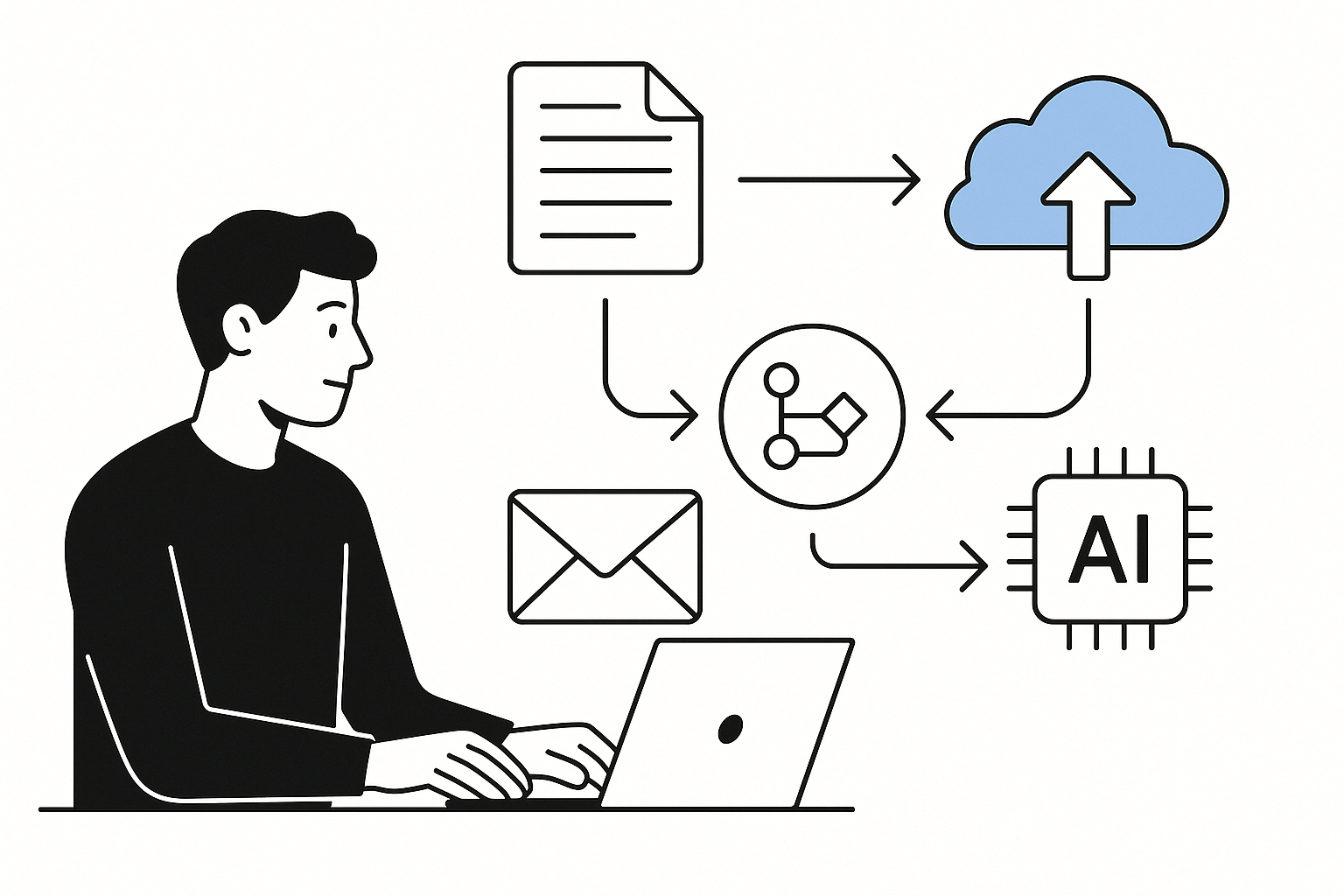
A missed reminder about a meeting can lead to scrambling for notes or worse, forgetting key points. When your notes are scattered across different platforms or devices, it becomes a challenge to find the information you need quickly. This is especially true if you manage your notes manually, which can lead to duplication and confusion. With the right approach to personal knowledge management, you can streamline your note organisation and ensure that your digital notes are easy to access and utilise.
Using Google Drive for personal knowledge management allows you to create a centralised location for all your notes, making it easier to retrieve information when you need it. This tool is not just for storing files; it can also be set up to automate the organisation of your notes, reducing the time spent searching for documents and helping you avoid the frustration of misplaced information. If you’re self-employed and often need to refer back to client notes or project ideas, having a well-organised system can significantly improve your workflow.
Setting Up Your Google Drive for Note Organisation
To begin streamlining your personal knowledge management, start by creating a dedicated folder in Google Drive for your notes. This folder will serve as the main hub where all your digital notes will reside. You can create subfolders within this main folder to categorise your notes by topic, project, or client, which will make it easier to locate specific information later. For instance, if you have notes related to different clients, consider creating a subfolder for each client to keep everything neatly organised.
Once your folder structure is in place, consider using Google Docs or Google Keep for your actual note-taking. Both of these tools integrate seamlessly with Google Drive, allowing you to save your notes directly into the appropriate folders. Google Docs is ideal for longer, more detailed notes, while Google Keep is great for quick thoughts or reminders. By using these tools in conjunction with your folder structure, you can ensure that all your notes are stored in the right place from the outset.
Automating the Organisation Process
One of the key benefits of using Google Drive for personal knowledge management is the ability to automate the organisation of your notes. You can set up Google Drive to automatically sort your notes based on certain criteria, which saves you from having to do it manually. For example, you can use Google Apps Script, a powerful tool that allows you to create custom functions and automate tasks in Google Drive. With a bit of coding knowledge, you can write a script that automatically moves notes into specific folders based on keywords in the document titles or content. If you want more guides like this, check out our other guides.
If you’re not familiar with coding, don’t worry. Many online resources can guide you through the process of setting up basic scripts. Alternatively, you can use third-party automation tools that integrate with Google Drive, allowing you to set rules for how your notes should be organised. For instance, if you create a new note that contains the word “client” in the title, you can set up a rule that automatically moves it into the client folder. This way, you can ensure that your notes are always organised without having to remember to do it yourself.
Maintaining Your Organised System
Once you’ve set up your Google Drive for note organisation and automation, it’s important to maintain the system. Regularly review your folders and notes to ensure that everything is still in the right place. If you find that certain notes are no longer relevant, consider archiving or deleting them to keep your system clutter-free. This practice not only helps in maintaining organisation but also aids in your personal knowledge management by ensuring that you are only working with the most pertinent information.
Another aspect of maintaining your organised system is to establish a routine for updating your notes. Set aside time each week to review your notes, add new information, and make any necessary adjustments to your folder structure. This consistent effort will help you avoid the chaos that often comes from neglecting your note organisation.
Leveraging Google Drive’s Search Functionality
One of the standout features of Google Drive is its powerful search functionality. Even with a well-organised system, there may be times when you need to find a specific note quickly. Google Drive’s search bar allows you to search for keywords, file types, and even date ranges, making it easy to locate the notes you need without sifting through folders manually. By using descriptive titles and including relevant keywords in your notes, you can enhance the effectiveness of the search function, ensuring that you can retrieve information swiftly.
For example, if you have a note titled “Meeting Notes with Client A – 2023-01-31”, searching for “Client A” or “Meeting Notes” will bring up the document almost instantly. This capability is particularly useful when you’re pressed for time and need to find information quickly, such as during a client call or meeting.
Exploring Alternatives for Enhanced Note Management
While Google Drive is a robust tool for personal knowledge management, there are alternatives available that can also help streamline your note organisation. If you don’t use Google Drive, consider exploring options like Evernote or Microsoft OneNote, which offer similar functionalities and can be tailored to suit your needs. Each of these platforms has unique features that can enhance your note-taking experience, so it’s worth exploring them to find the one that fits best with your workflow.
Regardless of the tool you choose, the principles of organisation and automation remain the same. Establishing a clear folder structure, automating where possible, and maintaining your system will lead to a more efficient way of managing your notes.
Conclusion
By implementing these strategies for personal knowledge management with Google Drive, you can significantly improve your note organisation and retrieval process. Automating the organisation of your notes not only saves you time but also reduces the likelihood of losing important information. With a well-maintained system in place, you can focus on what truly matters, whether that’s preparing for a client meeting or brainstorming new ideas. If you’re looking to further enhance your knowledge base, consider exploring additional tools and strategies, such as those discussed in our guide on enhancing your knowledge base: automating digital note management with Evernote. Streamlining your personal knowledge management is an ongoing process, but with the right tools and practices, you can make it a seamless part of your daily routine.