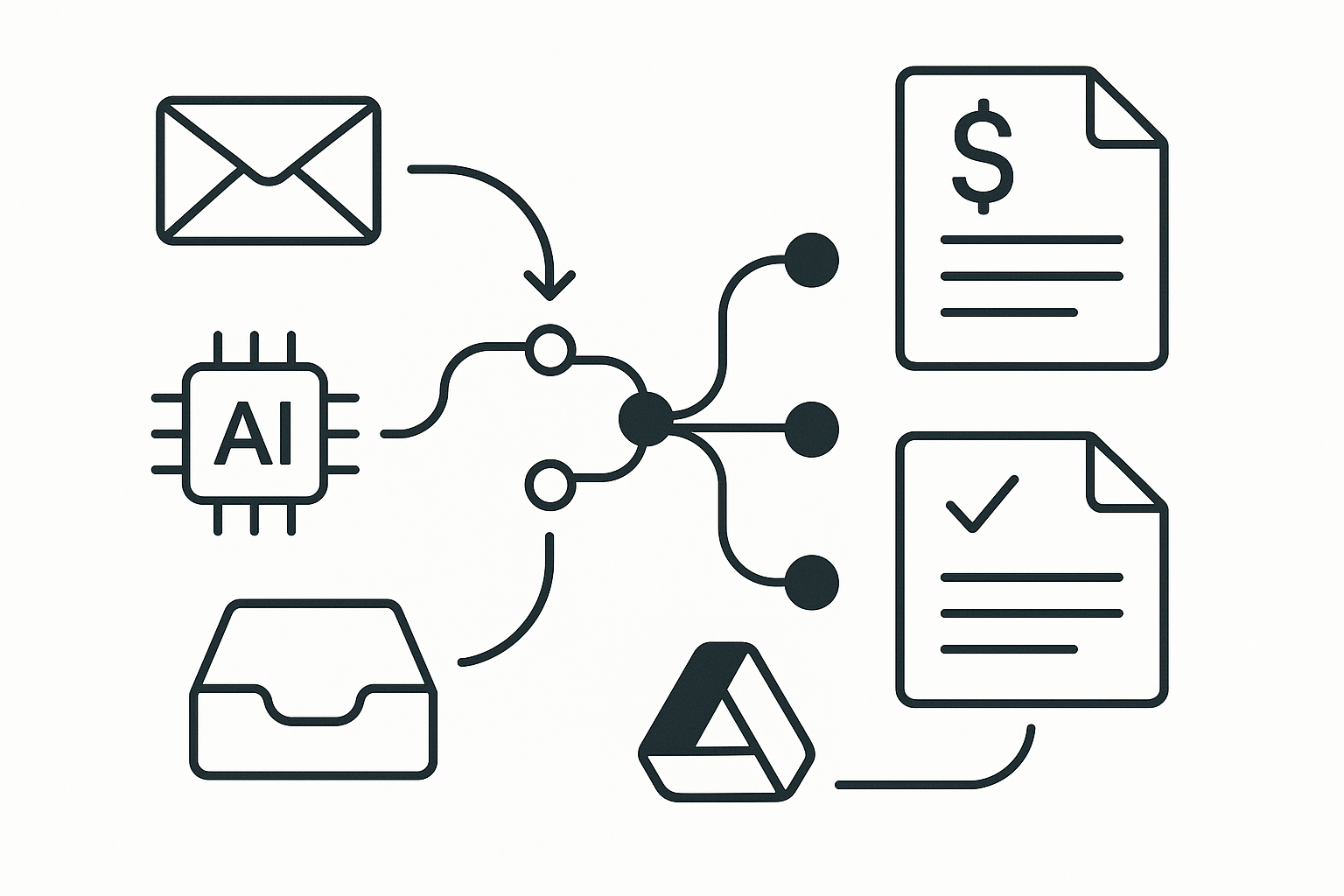
Missing a follow-up on an invoice can lead to delayed payments, which is frustrating when cash flow is tight. If you’re running a small business, you know how important it is to keep your clients informed and engaged. Yet, with so many tasks to juggle, it’s easy for client follow-ups to slip through the cracks. Automating your invoicing and quotes can significantly streamline this process, helping you maintain a professional image while ensuring you get paid on time.
Using Google Drive for client follow-up automation is a practical solution that many small business owners overlook. This tool can help you create templates for invoices and quotes, store them securely, and even automate the sharing process. By setting up a streamlined system, you can focus more on your core business activities rather than getting bogged down in administrative tasks.
Setting Up Your Templates
The first step in automating your client follow-up is to create templates for your invoices and quotes. Google Drive allows you to use Google Docs or Google Sheets for this purpose. Start by designing a professional-looking invoice template that includes your business name, logo, contact information, and payment details. Ensure it has clear sections for item descriptions, quantities, prices, and totals. Once you’ve created your template, save it in a dedicated folder in Google Drive for easy access.
For quotes, you can use a similar approach. Create a quote template that outlines the services you offer, along with estimated costs. This not only saves you time when responding to client requests but also ensures consistency in your communications. If you’re self-employed and regularly providing quotes for services, having these templates ready can significantly reduce the time spent on each new client interaction.
Automating Sharing with Google Drive
Once your templates are ready, you can streamline the sharing process. Instead of manually sending each invoice or quote, consider using Google Drive’s sharing features. After you fill out a template for a specific client, you can save it as a PDF and share it directly from Google Drive. This ensures that your clients receive a professional document without the hassle of formatting issues that can occur with other file types.
To automate this further, you can use Google Drive’s integration with Google Forms. If you often receive requests for quotes via email or messages, create a Google Form that clients can fill out. This form can include fields for their name, email address, service required, and any other relevant details. Once a client submits the form, you can set up an automated response that includes a link to your quote template. This way, clients receive immediate acknowledgment of their request, and you can quickly follow up with a tailored quote.
Tracking Client Interactions
Keeping track of client interactions is essential for effective follow-up. Google Drive can help you maintain a record of all your invoices and quotes in one place. By creating a spreadsheet in Google Sheets, you can log each client’s details, the date you sent the invoice or quote, and the payment status. This not only helps you stay organised but also allows you to identify patterns in your client interactions.
For instance, if you notice that certain clients consistently delay payments, you can take proactive measures to address the issue. You might decide to send reminders or adjust your payment terms based on their history. Having this data at your fingertips can significantly improve your client follow-up process and enhance your overall business management.
Setting Up Automated Reminders
To ensure you never miss a follow-up again, consider setting up automated reminders. Google Calendar integrates seamlessly with Google Drive, allowing you to create reminders for each invoice or quote sent. When you send an invoice, simply add a calendar event for a week or two later, reminding yourself to check in with the client.
You can also set up recurring reminders for regular clients. For example, if you invoice a particular client monthly, create a recurring event in your calendar that prompts you to follow up on the payment. This proactive approach can help you maintain a steady cash flow, as you’re consistently checking in with clients and ensuring they’re satisfied with your services.
Streamlining Payment Processes
Invoicing is only part of the client follow-up process. Receiving payments efficiently is equally crucial. While Google Drive itself doesn’t handle payments, you can integrate it with other tools like PayPal or Stripe to create a more seamless experience. After sending an invoice, include a payment link directly in the document. This way, clients can easily pay online, reducing the time spent waiting for cheques or bank transfers.
If you don’t use Google Drive, the same idea works with other tools like Make or Zapier, which can help automate the payment process further. By linking your invoicing system with a payment processor, you can ensure that payments are tracked and recorded automatically, saving you even more time on administrative tasks. If you’d like more practical workflows, check out our other guides.
Maintaining Professionalism
A key aspect of client follow-up automation is maintaining professionalism in your communications. By using templates and automated responses, you ensure that every interaction is polished and consistent. This not only enhances your brand image but also builds trust with your clients. When clients see that you have a structured process in place, they are more likely to feel confident in your services.
Moreover, if you’re juggling multiple clients and projects, having a streamlined process helps you stay on top of your commitments. You’ll reduce the risk of errors, such as sending the wrong invoice or forgetting to follow up altogether. This level of organisation can set you apart from competitors who may not have such efficient systems in place.
Evaluating Your Process
Once you’ve implemented these automation strategies, it’s essential to evaluate their effectiveness regularly. Set aside time each month to review your invoicing and follow-up processes. Look at metrics such as payment turnaround time, client satisfaction, and the frequency of follow-ups. This analysis will help you identify areas for improvement and adjust your strategies accordingly.
You might discover that certain clients prefer more frequent communication, while others are satisfied with less. Tailoring your approach based on client preferences can enhance your relationships and improve your overall business performance. Additionally, by continuously refining your processes, you’ll keep your client follow-up automation relevant and effective.
Conclusion
Automating your client follow-up through invoicing and quotes using Google Drive can significantly reduce your administrative burden while enhancing your professionalism. By setting up templates, automating sharing, tracking interactions, and scheduling reminders, you can ensure that you stay on top of your client relationships. This approach not only saves you time but also helps you maintain a steady cash flow, allowing you to focus on what truly matters – growing your business.
If you’re ready to take your productivity to the next level, consider exploring other automation strategies, such as Maximising Your Productivity: Automating Event Scheduling with Google Calendar. By embracing automation, you can create a more efficient and organised workflow that benefits both you and your clients.