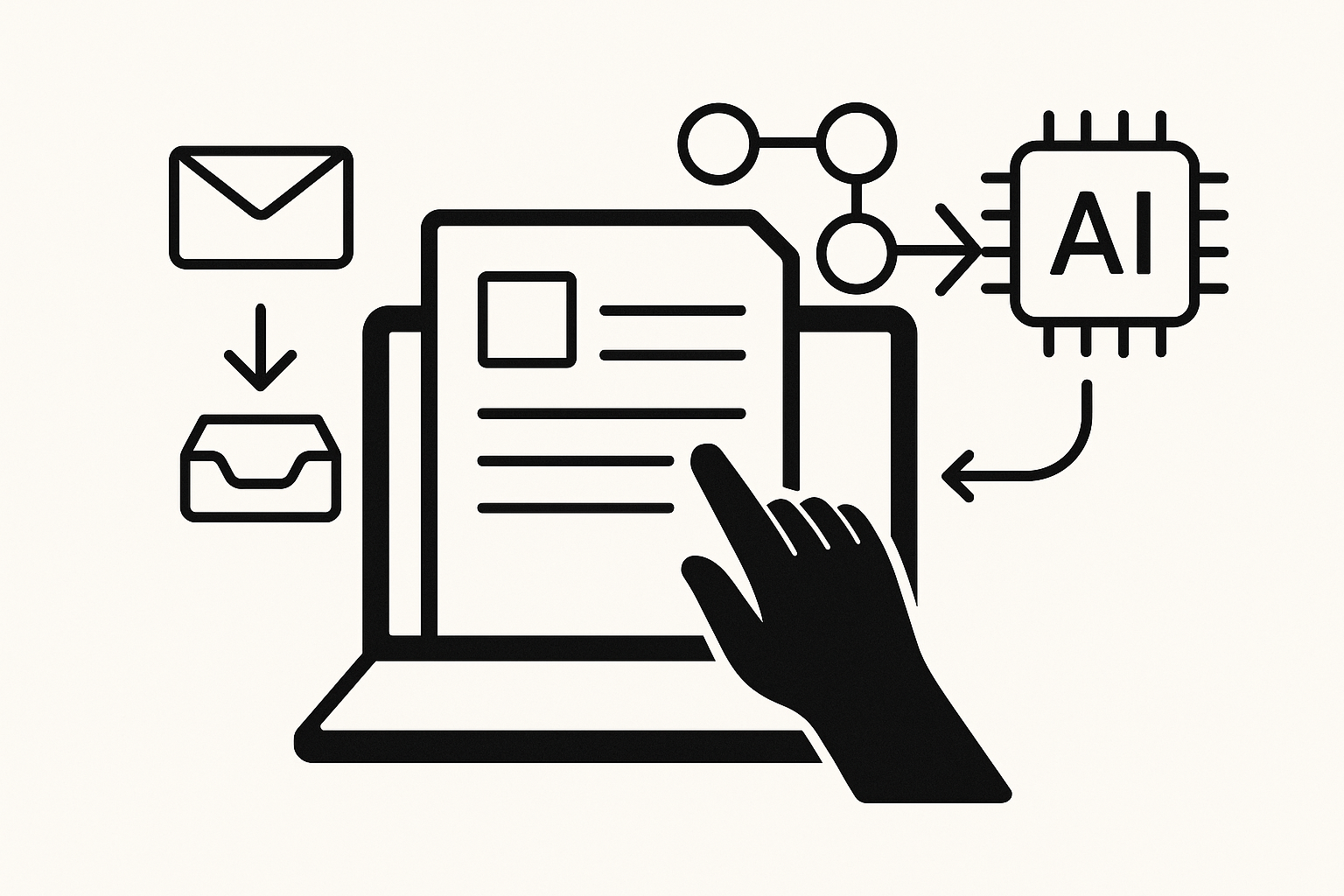
When you sit down to review your notes, only to find a jumble of thoughts and ideas scattered across various documents, it can be frustrating. You might have lost track of important insights or forgotten where you stored that brilliant idea you had last week. This disorganisation can lead to wasted time and missed opportunities in both your personal and professional life. If you’re juggling multiple projects or trying to keep track of your thoughts, the need for an efficient system becomes even clearer.
Digital note-taking has evolved significantly, and tools like Notion can transform how you manage your ideas and information. By automating your note organisation, you can streamline your workflow and ensure that your notes are not just stored but are easily accessible and useful. This will help you avoid the chaos that often accompanies disorganised information, allowing you to focus on what truly matters.
The Power of Notion in Digital Note-Taking
Notion is a versatile tool that combines note-taking, project management, and collaboration features in one platform. Its flexibility allows you to create a personalised workspace that suits your needs, whether you’re a student, a professional, or simply someone looking to keep track of personal projects. The beauty of Notion lies in its ability to adapt to your workflow, and with a few simple automations, you can enhance your digital note-taking experience significantly.
For instance, if you’re self-employed and managing client projects, you can set up a system where all your notes related to a specific client are automatically organised into a dedicated section. This not only saves you time searching for information but also ensures that you have everything you need in one place when preparing for meetings or follow-ups.
Setting Up Your Notion Workspace
To begin, create a new page in Notion that will act as your main dashboard. This dashboard can serve as the central hub for all your notes and projects. You might want to include sections for different categories, such as work, personal projects, and ideas. By structuring your workspace in this way, you can quickly navigate to the relevant area when you need to find something.
One effective method of organisation is to use databases within Notion. You can create a database for your notes, where each entry can include the title, content, tags, and any other relevant information. This allows you to filter and sort your notes based on different criteria, making it easier to locate specific information. For example, if you’re researching a new topic, you can tag your notes with keywords, enabling you to pull them up quickly when needed.
Automating Your Note Organisation
Once you have your workspace set up, the next step is to automate the organisation of your notes. Notion allows you to create templates and use linked databases, which can significantly streamline your workflow. For instance, you can create a template for meeting notes that automatically includes fields for the date, attendees, and action items. This way, every time you take notes during a meeting, you’ll have a consistent format that makes it easy to review and follow up on what was discussed. For more practical automation ideas, check out our other guides.
To take it a step further, consider integrating Notion with other tools you use. While Notion is powerful on its own, connecting it to other applications can enhance its functionality. For example, if you use a task management tool, you can set up an automation that creates a new note in Notion whenever you add a task. This ensures that all relevant information is captured in one place, reducing the chances of overlooking important details.
Streamlining Your Workflow with Tags and Links
Tags are another excellent way to enhance your digital note-taking in Notion. By tagging your notes with relevant keywords, you can create a system that allows for easy retrieval of information later. For example, if you’re working on multiple projects, you can tag each note with the project name. When you need to review your notes for a specific project, simply filter by that tag, and all related notes will appear.
Additionally, linking notes to one another can create a web of interconnected information. If you have a note about a specific project, you can link it to relevant research or meeting notes. This not only helps in keeping everything organised but also provides context when you revisit your notes later. The ability to see how different pieces of information relate to one another can lead to deeper insights and better decision-making.
Keeping Your Notes Up to Date
A common challenge with digital note-taking is keeping everything current. It’s easy to let notes pile up and become outdated, which can lead to confusion and inefficiency. To combat this, establish a routine for reviewing and updating your notes regularly. You might set aside time each week to go through your notes, ensuring that everything is still relevant and accurate.
During this review process, you can also identify any gaps in your knowledge or areas that require further research. By keeping your notes fresh and relevant, you’ll avoid the pitfalls of outdated information, which can hinder your productivity and decision-making.
Collaboration and Sharing Notes
If you work with a team or collaborate with others on projects, Notion’s sharing features can be invaluable. You can easily share specific pages or databases with colleagues, allowing for seamless collaboration. This is particularly useful when working on group projects or when you need input from others on your notes.
When sharing notes, consider setting permissions to control who can view or edit the information. This ensures that your notes remain organised and that only relevant team members have access to specific information. By utilising Notion’s collaborative features, you can enhance your digital note-taking experience while fostering teamwork and communication.
Exploring Alternatives for Note Organisation
While Notion is an excellent choice for digital note-taking and organisation, it’s worth noting that similar workflows can be achieved using other tools. If you don’t use Notion, the same ideas apply to other platforms like Evernote or Microsoft OneNote. Each tool has its unique features, but the core principles of organisation, automation, and tagging remain the same.
Conclusion: Embracing Automation in Your Note-Taking
By embracing automation in your digital note-taking with Notion, you can transform how you organise and manage your information. Setting up a structured workspace, automating note creation, and using tags and links will enhance your productivity and ensure that you can easily access the information you need. Regularly reviewing your notes and collaborating with others will further solidify your knowledge management practices.
As you explore the capabilities of Notion, remember that the goal is to create a system that works for you. Tailor your setup to fit your needs, and don’t hesitate to experiment with different features until you find the right balance. If you’re looking for more ways to optimise your digital notes, consider reading about check out our other guides.